A mesh Wi-Fi system is one of the most common upgrades families consider when the internet feels unreliable. But do you actually need one in a three-bedroom house? I have helped neighbors in Raleigh answer this question, and I have tested mesh systems in my own home. The short answer is: sometimes yes, often no. It depends less on the size of the house and more on where the router sits, what the walls are made of, and how many devices are streaming at once.
I am Daniel Mercer, and I write about family technology from my kitchen table. I spent more than a decade in IT support, and I have seen families spend $300 on a mesh system when a $0 fix—moving the router—would have solved the problem. I have also seen families struggle for months with a single router that could never cover a long, narrow house. This guide will help you decide which situation you are in. It is part of the Worth It at Home series, where the goal is honest family tech product reviews, not hype.
What a Mesh Wi-Fi System Actually Does
One Network, Multiple Nodes
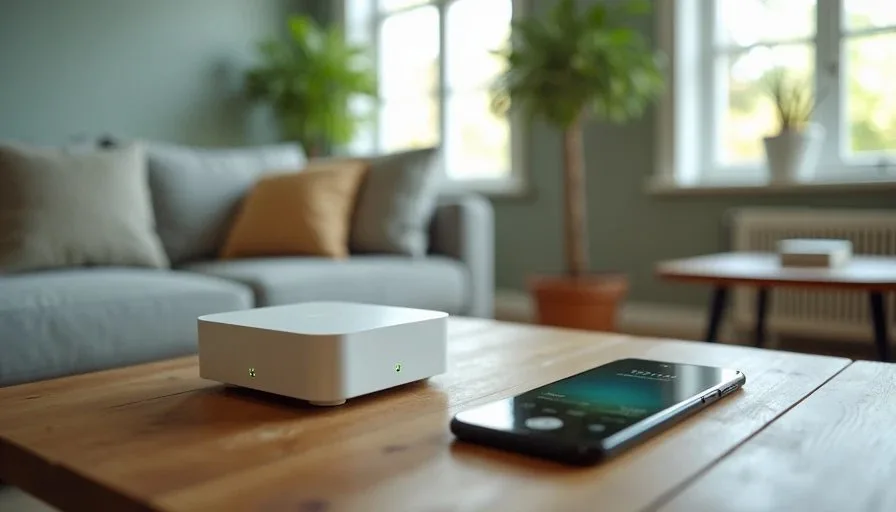
A mesh Wi-Fi system uses two or more units, called nodes, that work together as one network. You place one node near your modem and the others around the house. Devices connect to the nearest node automatically, and the network name stays the same. This is different from a range extender, which often creates a second network name and can cause devices to cling to a weak signal.
The Real Benefit Is Coverage, Not Speed
Mesh systems are designed to solve coverage problems. They spread a reliable signal into rooms that a single router cannot reach. They do not make your internet plan faster. If your internet speed is slow, a mesh system will not fix that. It will simply deliver the same speed more evenly across the house.
When a Three-Bedroom House Needs a Mesh System
Long or Narrow Layouts
A three-bedroom house can be compact or surprisingly long. If your router is at one end and the bedrooms are at the other, a single router may struggle. In a long, narrow house, the signal has to travel through multiple walls. A mesh system with two nodes can bridge that distance more reliably than one router.
Thick Walls or Unusual Materials
Some homes have plaster walls, brick, or concrete that block Wi-Fi signals. Older homes often fall into this category. If your router is in the living room and the signal dies in the back bedroom, the problem may be the walls, not the router. A mesh system can help by placing a node closer to the dead zone.
Multiple Heavy Users
If your family streams video in several rooms at once, plays online games, and takes video calls, a single router may struggle to keep up. A mesh system can distribute the load across nodes. This does not increase your total bandwidth, but it can improve stability when many devices are active.
A Dead Zone That Placement Cannot Fix
If you have already moved your router to a central, open location and the dead zone remains, a mesh system is a reasonable next step. Placement is always the first fix. A mesh system is the second.
When a Three-Bedroom House Does Not Need a Mesh System
A Central Router Covers Most Homes
In many three-bedroom homes, a single good router placed in a central hallway or living room covers the whole house. If your speed tests are strong in every room, you do not need a mesh system. Buying one would be a waste of money.
The Problem Is Placement, Not Coverage
I have seen routers hidden in closets, behind televisions, and on the floor in a corner. In those cases, the router is doing its job, but the signal is blocked. Moving the router to an open, elevated, central spot often fixes the problem. Try this before spending money on mesh gear.
The Internet Plan Is the Bottleneck
If your internet plan is slow, a mesh system will not make it faster. It will just spread the slow speed more evenly. Check your plan and your modem before blaming the router. Sometimes the upgrade you need is a better internet plan, not better hardware.
Your Devices Are the Problem
An older tablet or a smart TV with a weak antenna may struggle even with a strong signal. Before buying a mesh system, test the device in a room with a known good signal. If it still performs poorly, the device may be the issue.
The Cost of a Mesh Wi-Fi System
Hardware Costs
A two-piece mesh system typically costs between $150 and $350. A three-piece system costs more. You may also need a modem if yours is old or rented. Some mesh systems include a modem, but most do not. Add the cost of any needed cables or adapters.
Subscription Costs
Some mesh systems offer advanced features through a subscription. Parental controls, security monitoring, and detailed device management may require a monthly fee. Read the fine print before you buy. A system that costs $200 upfront and $10 per month adds up quickly.
Time and Maintenance
Mesh systems are generally easy to set up, but they still require maintenance. Firmware updates, app changes, and occasional reboots are part of owning one. If you want a system that requires almost no attention, a single good router may be the better choice.
Alternatives to a Mesh System
Move Your Router First
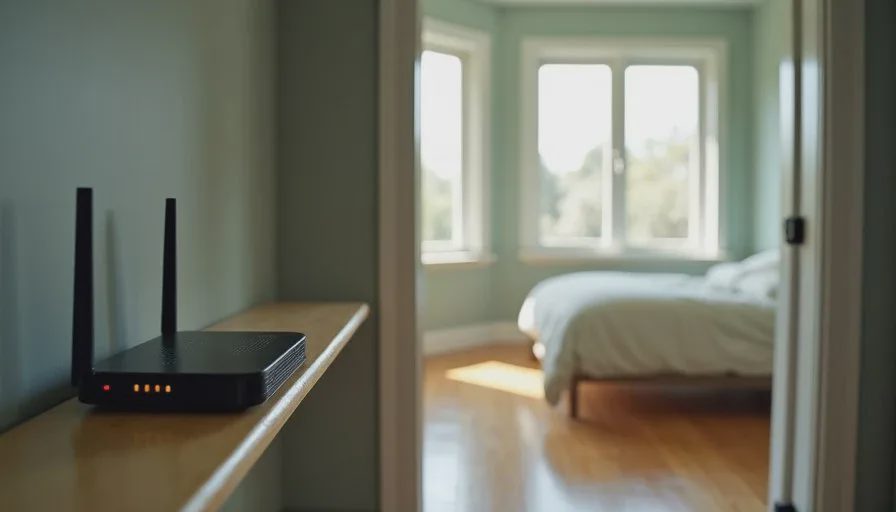
This is the free option, and it works more often than people expect. Place the router in a central, open, elevated location. Keep it away from metal, concrete, and large appliances. Test your coverage again. If the dead zone shrinks, you may not need mesh at all.
Try a Range Extender With Caution
A range extender can help in a pinch, but it often creates a second network name and can slow down devices that connect through it. It is usually a temporary fix, not a long-term solution. If you try one, place it halfway between the router and the dead zone, not in the dead zone itself.
Upgrade Your Router
If your router is old, a newer single router may solve the problem. Look for a model with good range and easy management. You do not need the most expensive model. A solid mid-range router is often enough for a three-bedroom home.
Use a Wired Connection Where Possible
For devices that do not move, like a desktop computer or a streaming box, a wired Ethernet connection is more reliable than Wi-Fi. If you can run a cable, do it. It reduces the load on your Wi-Fi network and improves stability for everyone.
How to Test Whether You Need Mesh
The Room-by-Room Speed Test
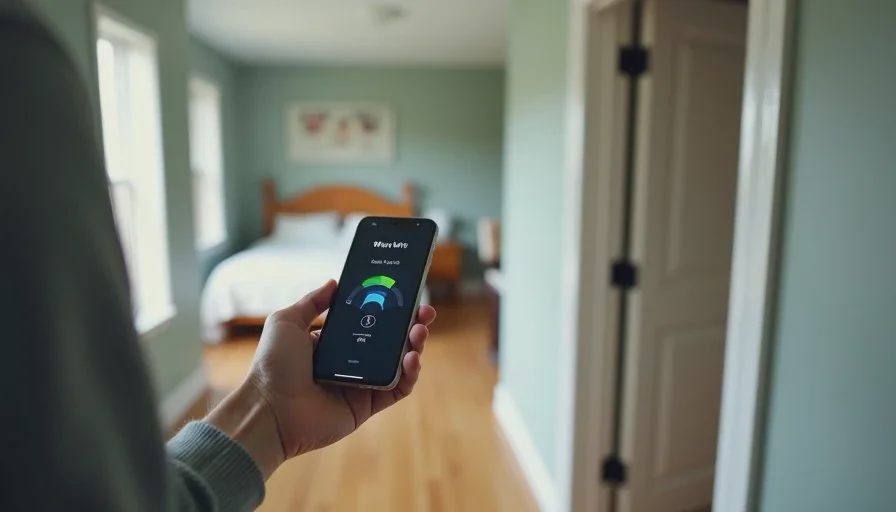
Walk through your house with a phone or laptop. Run a speed test in each room at different times of day. Write down the results. If most rooms are strong and only one or two are weak, a mesh system may help. If every room is weak, the problem may be your internet plan or modem.
The Device Test
Test the devices that matter most. A tablet in the kitchen, a streaming TV in the living room, a laptop in the bedroom. If the devices perform well in most rooms, you may not need mesh. If they struggle in the same spots consistently, mesh is worth considering.
The Placement Test
Move your router to a better spot and test again. This takes ten minutes and costs nothing. If the results improve, you have your answer. If they do not, a mesh system may be the next step.
A Simple Decision Checklist
Is your router in a central, open, elevated location?
Have you tested coverage room by room?
Are most rooms strong, with only one or two weak spots?
Is your internet plan fast enough for your family's usage?
Are your devices relatively new and in good condition?
Do you have thick walls or a long, narrow layout?
Are multiple people streaming or gaming at the same time?
If you answered yes to the first four and no to the last three, a single router is probably enough. If you have a persistent dead zone, thick walls, or a long layout, a mesh system may be worth the investment.
My Honest Recommendation
For most three-bedroom homes, I recommend starting with placement and testing. If that does not solve the problem, a two-piece mesh system is a reasonable upgrade. You do not need a three-piece system unless your house is unusually large or has severe signal-blocking walls. Look for a system that is easy to manage from a phone app, because both parents need to be able to use it.
Do not buy a mesh system because it is popular or because a sale is ending. Buy it because you have tested your home and confirmed that coverage is the problem. That is how you make a family tech product review work for you. A mesh Wi-Fi system is a tool, not a status symbol. If it solves a real problem, it is worth it. If it does not, a single router and a better location will serve you well.
Let technology help you live your life—don't let your life revolve around technology.