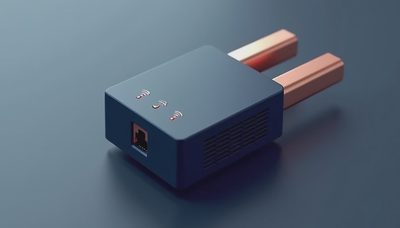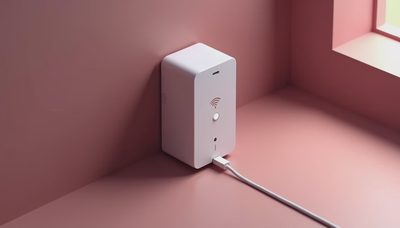
If the WiFi works well in the living room but fades near the garage, upstairs bedroom, or back patio, you have probably wondered: what do wifi extenders do? In plain language, a WiFi extender receives your existing wireless signal and rebroadcasts it into an area the router does not cover reliably. It can be a sensible fix for a dead zone, but it is not magic, and it does not automatically make your internet plan faster.
That distinction matters in a busy family home. A weak signal can make a school video call freeze, leave a smart thermostat offline, or turn a simple recipe lookup into a walk around the house holding a phone over your head. An extender can reduce those interruptions, provided it is placed correctly and matched to the problem.
What a WiFi extender actually does
A WiFi extender, sometimes called a repeater or booster, connects wirelessly to your main router. It then creates another coverage area using the signal it receives. Your phone, laptop, television, or doorbell may connect to the extender instead of the router, while the extender passes traffic back through the original network.
This is why the answer to what do wifi extenders do is more specific than “make WiFi stronger.” They extend reach. If your router delivers 300 Mbps beside the modem but only 20 Mbps in a distant room, an extender can improve the distant room’s connection. It cannot deliver more internet than it receives, and it cannot repair a slow cable, congested provider network, or failing router.
Some models use one network name so devices move between the router and extender with less fuss. Others show a separate name, such as “HomeWiFi_EXT.” A separate name makes troubleshooting easier, while a unified system can feel more seamless. Either way, the extender is still dependent on the quality of its connection to the router.
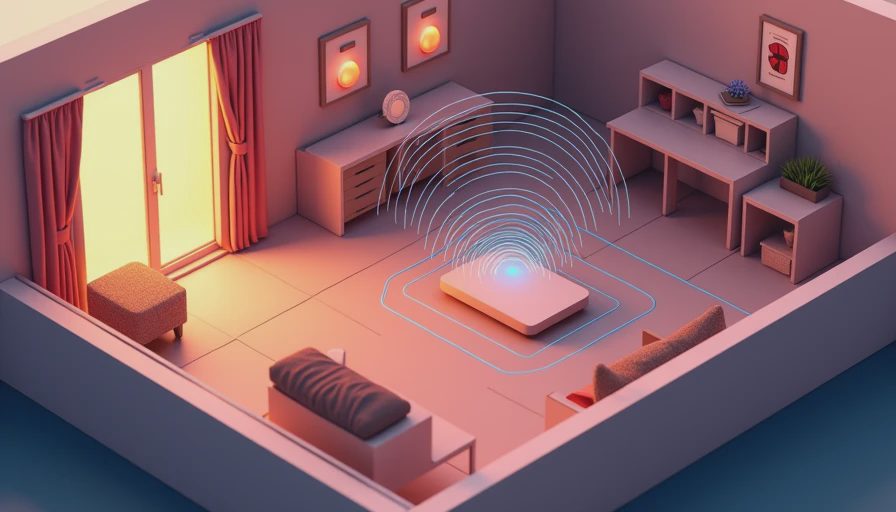
Where extenders help and where they struggle
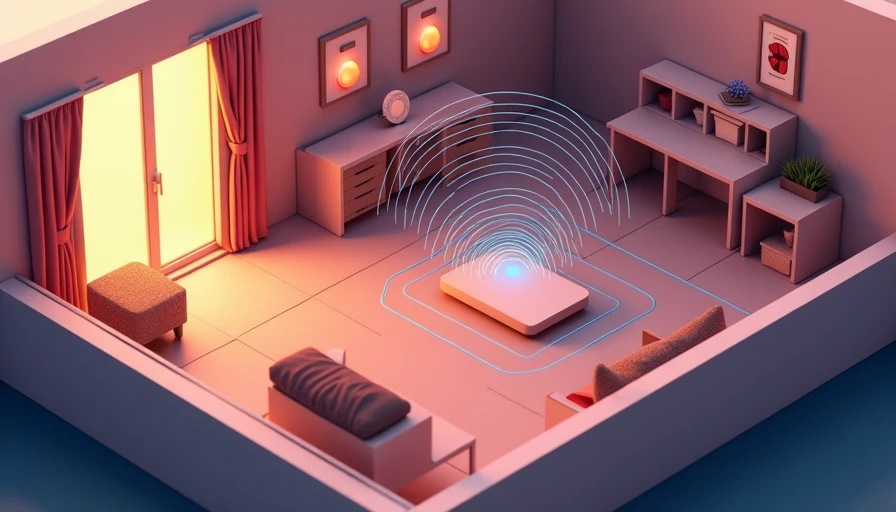
Extenders work best when the problem is distance rather than serious interference. A two-story home with a router at one end may get useful coverage from an extender placed halfway toward the weak room. A detached workshop, basement office, or far bedroom can also benefit if the extender still receives a solid signal at its installation point.
The most common mistake is placing the device inside the dead zone. If the extender can barely hear the router, it has little useful signal to repeat. Put it where the router’s signal is still dependable, often near a hallway, stair landing, or open doorway. The goal is not to sit beside the device that needs coverage; it is to create a bridge between that device and the router.
Thick plaster, concrete, brick, metal shelving, appliances, and neighboring wireless networks can reduce performance. Microwaves and cordless devices can also create occasional interference, although ordinary household placement is usually more important than chasing every possible source. Start with a practical location, then test it from the room where the connection has been unreliable.
WiFi extender versus mesh system
When people ask what do wifi extenders do, they are often comparing an extender with a mesh system without realizing it. A traditional extender is usually the cheaper option. Basic models from brands such as TP-Link, Netgear, and Linksys often cost about $25 to $80. They can solve one stubborn weak spot without replacing equipment that otherwise works fine.
A mesh system uses multiple nodes designed to work together. The nodes typically share one network name and coordinate device connections more effectively than a basic repeater. Systems from eero, Google Nest, TP-Link Deco, and Netgear Orbi can be easier to manage across a large home, though prices commonly range from roughly $150 to $500 depending on the number of units and features.
A mesh system is not automatically better for every household. If the kitchen, bedrooms, and office already work well and only the back porch struggles, spending several hundred dollars is unnecessary. If the router is old, the home has multiple dead zones, or the family has frequent video calls and streaming devices in different areas, mesh is the cleaner long-term upgrade.
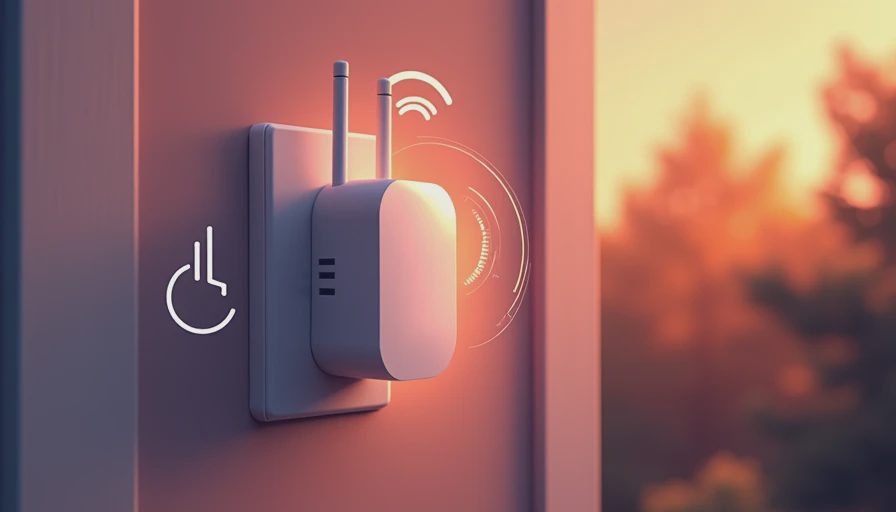
How to install one without creating more noise
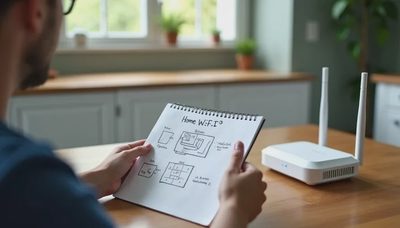
First, run a speed test near the router and then in the problem room. This gives you a baseline instead of relying on the vague feeling that the internet is “bad.” Next, install the extender using the manufacturer’s app or browser setup page. Give it a clear location and avoid hiding it behind a television, inside a cabinet, or under a desk crowded with power bricks.
After setup, test from the actual places where the connection matters. Walk through a video call, load a few websites, and check whether the smart device stays connected. If performance is disappointing, move the extender closer to the router before buying another product. A location change of 10 or 15 feet can matter more than a larger number on the box.
Security deserves a minute of attention. Use the extender’s current firmware, protect the administrator account with a unique password, and avoid leaving the setup account on a shared family login if the app supports separate access. Disable remote management unless you genuinely need it. These are small steps, but they prevent a simple coverage fix from becoming another neglected device on the network.
What an extender cannot fix
The answer to what do wifi extenders do should include its limits. An extender cannot increase the speed purchased from your internet provider. It cannot make an overloaded router handle dozens of demanding devices more gracefully. It cannot solve a damaged coaxial cable, an unstable modem, or an internet outage.
It can also reduce speed in some designs because the device uses wireless capacity to communicate with both the router and your connected devices. Newer dual-band and tri-band models manage this more effectively, but advertised speeds are not the same as real-world performance. A wired Ethernet connection to an access point is usually faster and more consistent when running cable is practical.
For example, a teenager gaming in an upstairs room might tolerate an extender for ordinary browsing, but a wired connection is preferable for competitive online play. A home office handling long video meetings benefits from Ethernet or a strong mesh node. The right choice depends on the task, not just the number of bars on a phone.
A sensible buying decision for a family home
If one room has weak coverage, start with the inexpensive option. Look for a current WiFi standard, a return policy, an Ethernet port if you might connect a television or game console, and an app that shows signal strength during placement. Avoid buying based only on a huge advertised square-foot number; walls and router location make those estimates optimistic.
If the extender requires constant restarts, drops devices, or creates confusing network names, stop trying to be clever. Reposition it once, update its firmware, and replace it only if the basic fix fails. A wired access point may cost more in installation effort but can be the calmer solution for a permanent office or outbuilding.
So, what do wifi extenders do? They stretch an existing wireless network into a weak area, and they can be excellent value when the problem is limited coverage. They do not create faster internet or replace good network design. Use what helps. Fix what matters. For one dead zone, an extender is worth trying; for a whole-house problem, a mesh system or wired access point is usually worth changing to.