Family location sharing is one of those features that sounds simple until you actually use it. On the surface, it is a safety tool. You can see where your child is, confirm they arrived at school, and feel reassured when they are late. But the same feature can quietly turn into something else: a surveillance system that erodes trust and gives parents more information than they know how to use well. I have set up location sharing in our family in Raleigh, and I have also turned parts of it off. The right answer is not obvious, and it changes as children grow.
I am Daniel Mercer, and I write about family technology from my kitchen table. I spent more than a decade in IT support, and I have seen how location data works behind the scenes. This guide is not about whether location sharing is good or bad. It is about using it deliberately. The goal is a setup that helps your family stay safe without turning your home into a surveillance state. That is the Safe by Default approach: protection without paranoia.
What Family Location Sharing Actually Does
The Basic Mechanics
Family location sharing uses your phone's GPS, Wi-Fi, and cellular data to estimate where a device is. Apps like Find My, Google Family Link, Life360, and Google Maps location sharing let you see family members on a map. Some apps add features like arrival alerts, driving reports, and place notifications. The technology is mature, and it generally works well. The question is not whether it works. The question is how you use it.
The Difference Between Safety and Surveillance
There is a meaningful difference between knowing your child arrived at school and watching every stop they make on the way home. Safety is about confirming that someone is where they are supposed to be. Surveillance is about tracking everything, all the time, without a clear purpose. The same app can do both. The difference is in the settings and the conversation around them.
When Location Sharing Genuinely Helps
Younger Children and New Independence
For younger children, location sharing can be a useful safety net. When Avery started walking to a friend's house a few blocks away, we used location sharing to confirm she arrived. It gave us peace of mind without requiring her to text us every few minutes. For a child who is just gaining independence, a simple arrival check can be enough.
School Pickups and Busy Schedules
Location sharing is also practical for logistics. If Morgan is picking up Miles from school and I am finishing work, I can see whether she has arrived. If a child is late coming home, a quick check can confirm they are still at practice. These are small conveniences, but they reduce the number of text messages and phone calls during a busy afternoon.
Emergencies and Lost Devices
In an emergency, location sharing can help you find a family member quickly. If a child's phone is lost, Find My or a similar tool can show where it was last seen. If a teenager is out late and not responding, location sharing can confirm they are safe. These situations are rare, but when they happen, the feature is valuable.
When Location Sharing Becomes a Problem
Constant Monitoring Without a Reason
The most common problem is constant monitoring. Some parents check the map dozens of times a day. This can become a habit that replaces trust with anxiety. If you are checking your child's location every hour, ask yourself what you are actually worried about. If there is no specific concern, the checking may be doing more harm than good.
Teenagers and Privacy
Teenagers need room to grow. Constant location tracking can feel like a lack of trust, and it can damage the relationship. A teenager who knows they are being watched everywhere may become secretive or find ways around the system. That outcome is worse than not tracking at all. For teenagers, location sharing should be a conversation, not a mandate.
Data and Third-Party Access
Location data is valuable, and some apps share it with third parties for advertising or analytics. Before you install a family location app, read its privacy policy. Check what data it collects, how long it keeps it, and who it shares it with. Some apps are designed for families and handle data responsibly. Others are designed to collect as much as possible. The difference matters.
The Slippery Slope to Surveillance
Once location sharing is on, it is easy to add more features. Arrival alerts become driving reports. Driving reports become speed notifications. Speed notifications become a weekly scorecard. Each step feels small, but together they can turn a safety tool into a monitoring system. I have seen families go down this path without ever deciding to. The features arrive one at a time, and nobody stops to ask whether they are still helping.
How to Set Up Location Sharing Deliberately
Start With a Conversation
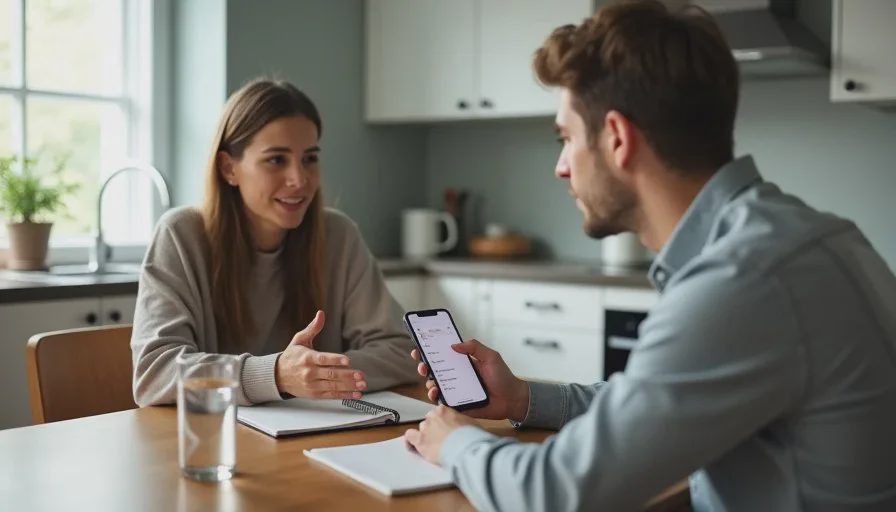
Before you turn on location sharing, talk about it as a family. Explain why you want it. Ask your child how they feel about it. For younger children, the conversation is simple. For teenagers, it should be a negotiation. The goal is agreement, not compliance. A child who understands the reason is more likely to cooperate.
Choose the Right App
Use an app you already trust. Find My and Google Family Link are built into the devices your family likely already uses. They are simple and do not require a separate subscription. Dedicated apps like Life360 offer more features, but they also collect more data. Start with the built-in option, and only add a third-party app if you need a specific feature.
Set Clear Limits
Decide what you will and will not do with location data. For example, you might agree to check location only when a child is late or when there is a specific concern. You might agree not to check during school hours or during social time. Write these limits down. They prevent the slow drift toward constant monitoring.
Use Arrival Alerts Instead of Constant Checking
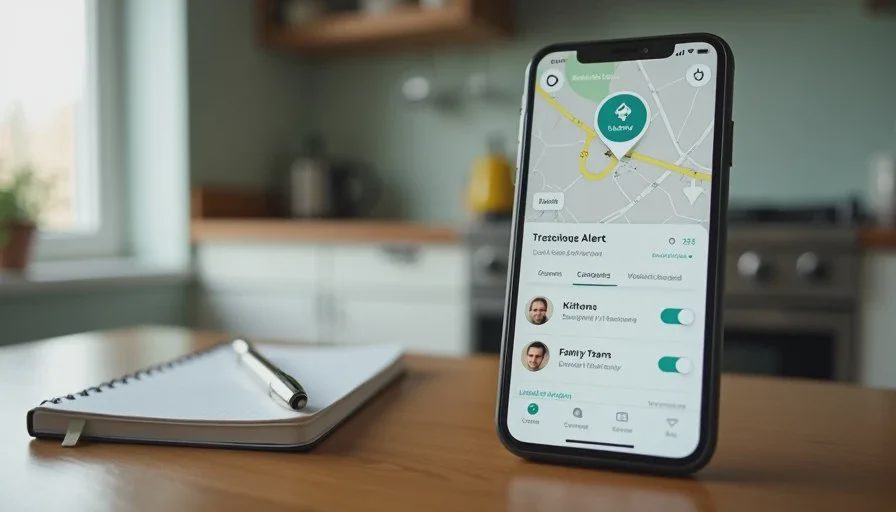
Arrival alerts are a better tool than a live map for most families. You get a notification when a child arrives at school or home. You do not need to watch their every move. This gives you the safety benefit without the surveillance feel.
What We Do in Our Family
Younger Child: Arrival Alerts Only
For Avery, we use arrival alerts. She gets a notification when she arrives at school or a friend's house, and we get one too. We do not watch her live location during the day. The alerts give us the information we need without constant checking.
Older Child: A Conversation, Not a Tracker
When Avery is older, we will revisit the setup. For now, the rule is simple: location sharing is a safety tool, not a way to monitor everything. When she becomes a teenager, we will talk about what she is comfortable with and adjust the settings together.
Our Own Habits
Morgan and I also share our locations with each other. This is not about trust. It is about convenience. If one of us is running late, the other can see where we are. It saves a text message and reduces worry. The same feature that helps with children can help with adults, as long as it is used with respect.
Common Mistakes to Avoid
Turning It On Without a Conversation
If you turn on location sharing without telling your child, they will find out. When they do, they may feel betrayed. A conversation before setup prevents that. It also gives your child a chance to voice concerns.
Checking Constantly
Constant checking is a habit, not a safety measure. If you find yourself opening the app many times a day, ask what you are looking for. If there is no specific concern, close the app. Trust is built by giving children room to be responsible.
Using Location Data as Evidence
Location data should not be used to catch a child in a lie or to win an argument. If you use it that way, the tool becomes a weapon. That damages trust and makes future conversations harder. Use location data for safety, not for punishment.
Ignoring Privacy Settings
Take a few minutes to review the privacy settings in the app you choose. Turn off data sharing with third parties if the option exists. Limit how long location history is stored. These small steps reduce the amount of data collected about your family.
A Balanced Approach
Family location sharing is a useful tool, but it is not a substitute for trust. It can help you confirm that a child arrived safely, find a lost phone, and reduce worry during a busy afternoon. It can also become a source of anxiety and a strain on your relationship if it is used without limits.
The key is to set it up deliberately. Have a conversation. Choose the right app. Set clear limits. Use arrival alerts instead of constant checking. Review the setup as your children grow. And remember that the goal is not to know where everyone is at every moment. The goal is to help your family feel safe and trusted.
If you use location sharing as a safety net, it can be a quiet helper. If you use it as a leash, it becomes a problem. The difference is in how you set it up and how you talk about it. That is the balance I try to keep in our home. It is not always easy, but it is worth the effort.
Let technology help you live your life—don't let your life revolve around technology.